Instagram credentials
Changed in version 2.0: Instagram now uses OAuth 2.0 authentication via Facebook Graph API. You no longer need to manually generate access tokens.
Agoras needs the following OAuth app credentials to access the Instagram Graph API:
Client ID (Facebook App ID)
Client Secret (Facebook App Secret)
Object ID (Facebook User ID for Instagram business account)
Instagram uses Facebook OAuth, so you’ll need a Facebook App. You also need to connect a Facebook page with the Instagram account that you wish to use.
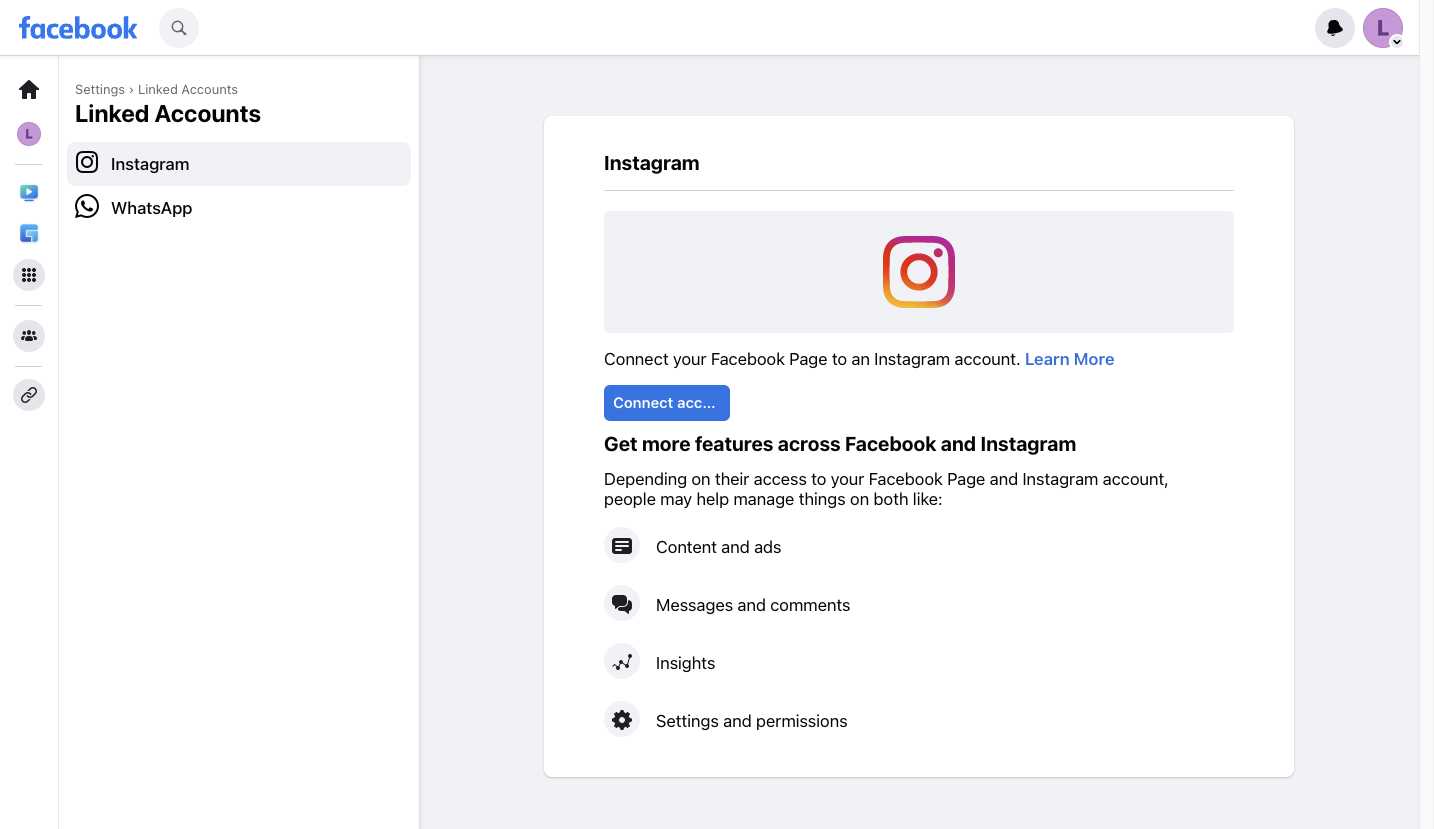
Connect Facebook Page to Instagram Account
On Facebook, switch to the profile of the page that’s going to manage the Instagram account, then click Settings & privacy > Settings > Linked Accounts and then click Connect.
Create a Facebook App
If you already have a Facebook App, skip to “Get App Credentials”.
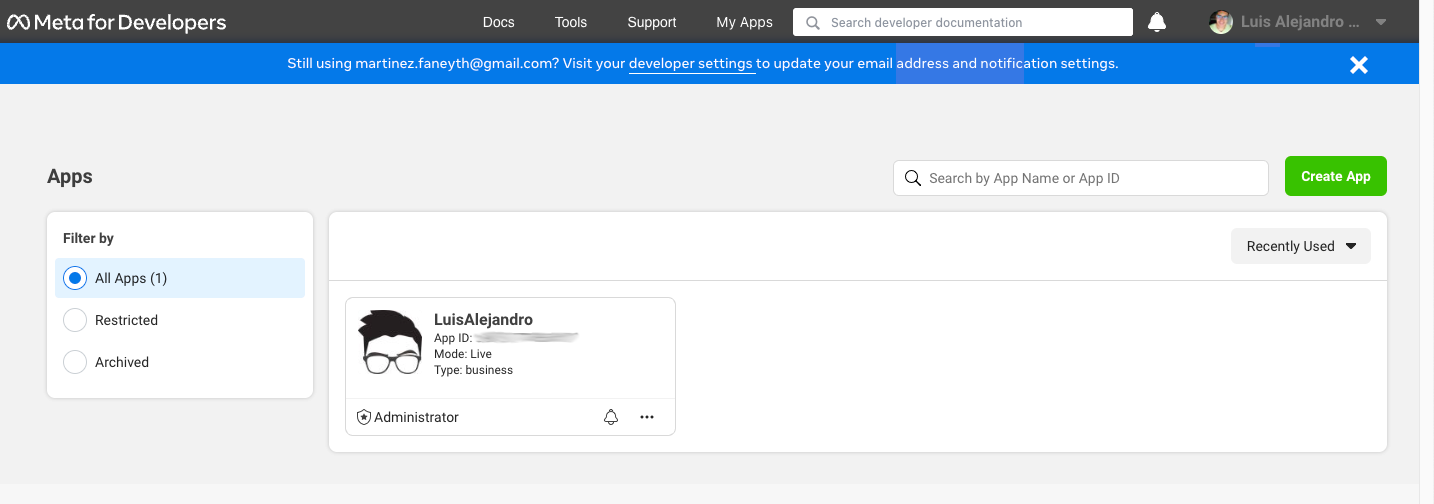
Go to My Apps.
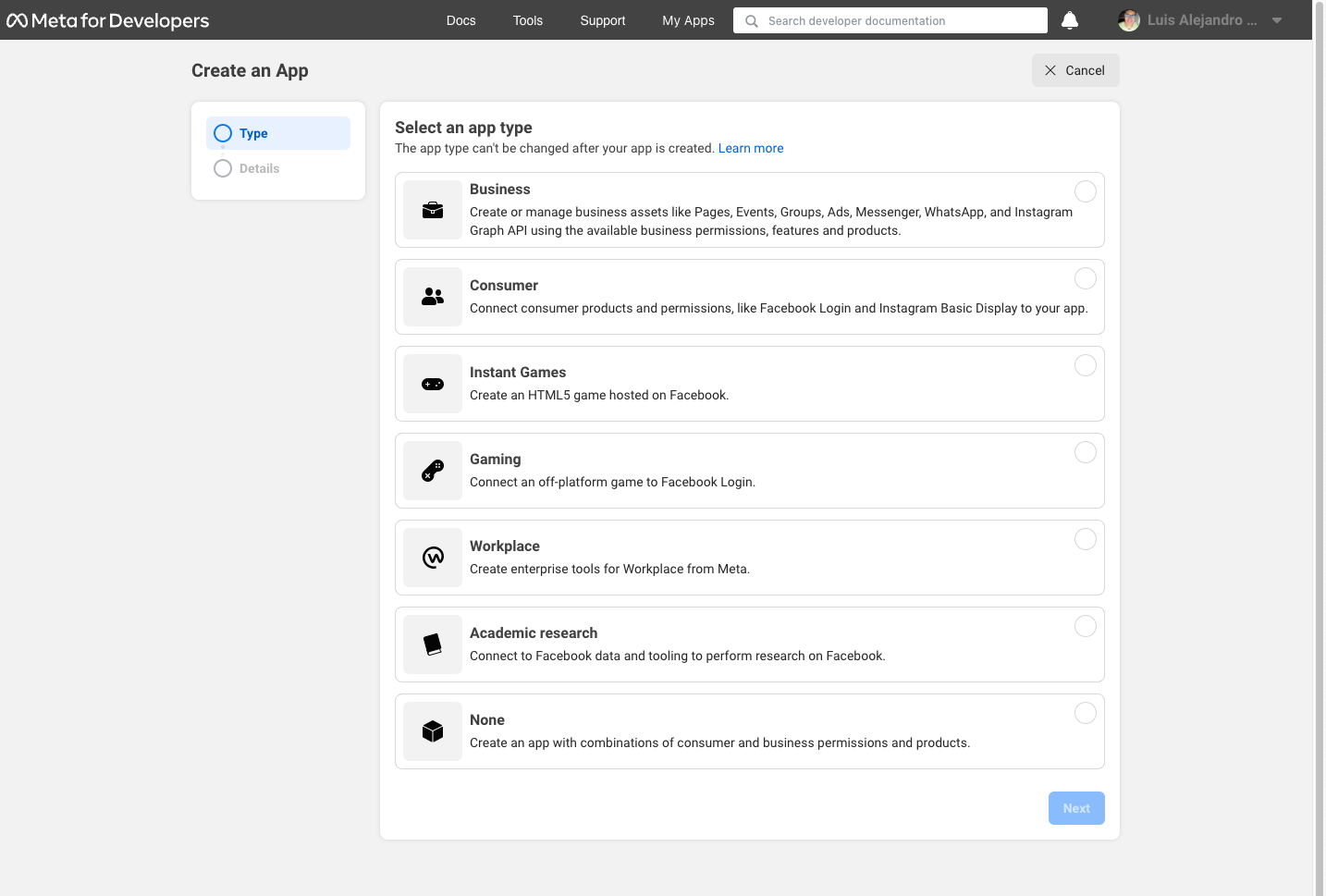
Click “Create App”.
Select app type (choose “Business” or “Other”).
Fill in the app name and contact email.
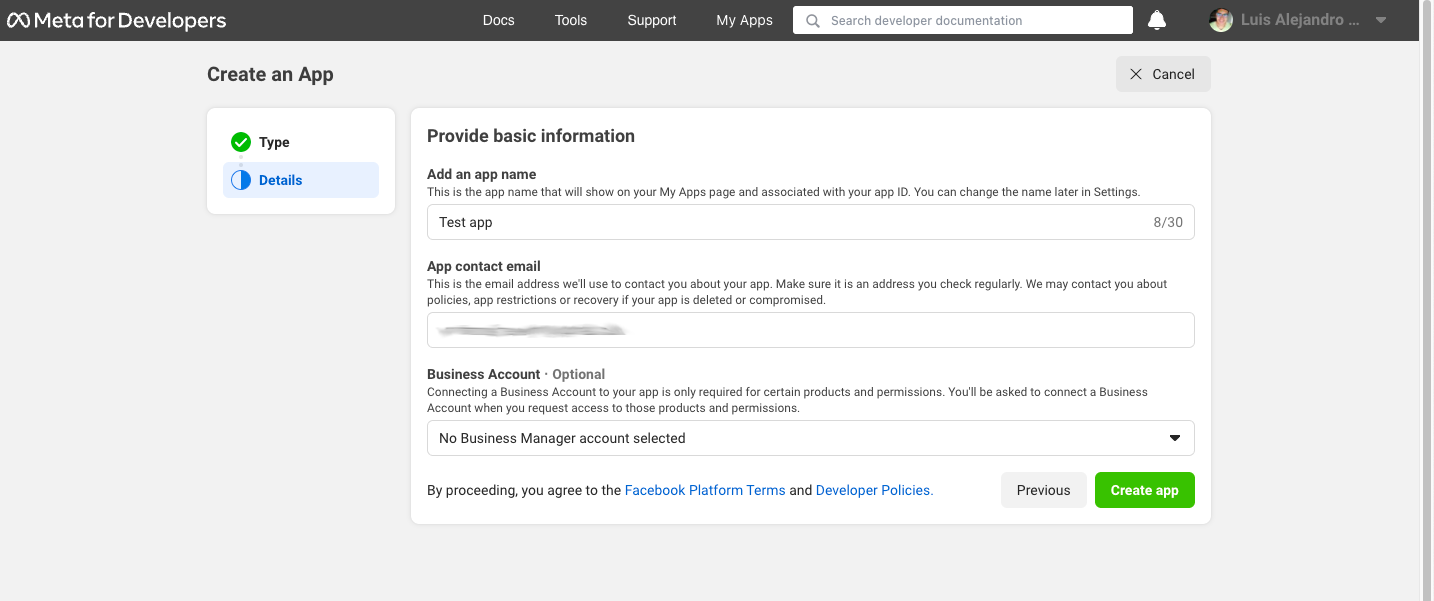
Get App Credentials
In your Facebook App dashboard, go to Settings > Basic.
Note your App ID (this is your
--client-id).Note your App Secret (click “Show” to reveal it - this is your
--client-secret).
Configure OAuth Settings
In your app dashboard, go to Settings > Basic.
Add your OAuth redirect URI: - Click “Add Platform” if needed - Select “Website” - Add redirect URI:
https://localhost:3456/callback
Note
The redirect URI is fixed to https://localhost:3456/callback.
Save changes
Get Object ID (Facebook User ID)
You need the Facebook user ID that has access to the Instagram business account. To find it:
Use the Graph API Explorer with a valid access token:
https://developers.facebook.com/tools/explorer/?method=GET&path=me
The response will show your user ID:
{
      "name": "Your Name",
      "id": "XXXXX"
}
The id field is your --object-id.
Alternatively, if you know the Facebook page ID linked to your Instagram account, you can get the user ID from the page’s accounts endpoint.
CI/CD Setup (Unattended Execution)
For CI/CD environments where interactive browser authorization isn’t possible, you can skip the authorize step entirely and provide all required credentials via environment variables.
Run
agoras instagram authorizelocally first to generate a refresh token (one-time setup)Extract the refresh token using the tokens utility command:
# First, list tokens to find the identifier (if you don't know it)
agoras utils tokens list --platform instagram

# Then view all stored credentials
agoras utils tokens show --platform instagram --identifier {identifier}
Set all required environment variables in your CI/CD pipeline:
export INSTAGRAM_OBJECT_ID="your_object_id"
export INSTAGRAM_CLIENT_ID="your_client_id"
export INSTAGRAM_CLIENT_SECRET="your_client_secret"
export INSTAGRAM_REFRESH_TOKEN="your_refresh_token_here"
Run Agoras actions directly without running
authorize. All credentials will be loaded from environment variables.
Note: For unattended execution, you must provide all required credentials. The refresh token alone is not sufficient - you also need client ID, client secret, and object ID as shown in the Platform Arguments and Environment Variables Reference documentation.
Agoras parameters
Instagram credential |
Agoras parameter |
|---|---|
Client ID (Facebook App ID) |
–client-id |
Client Secret (App Secret) |
–client-secret |
Object ID (Facebook User ID) | –object-id |
|